Creators Mind Shop
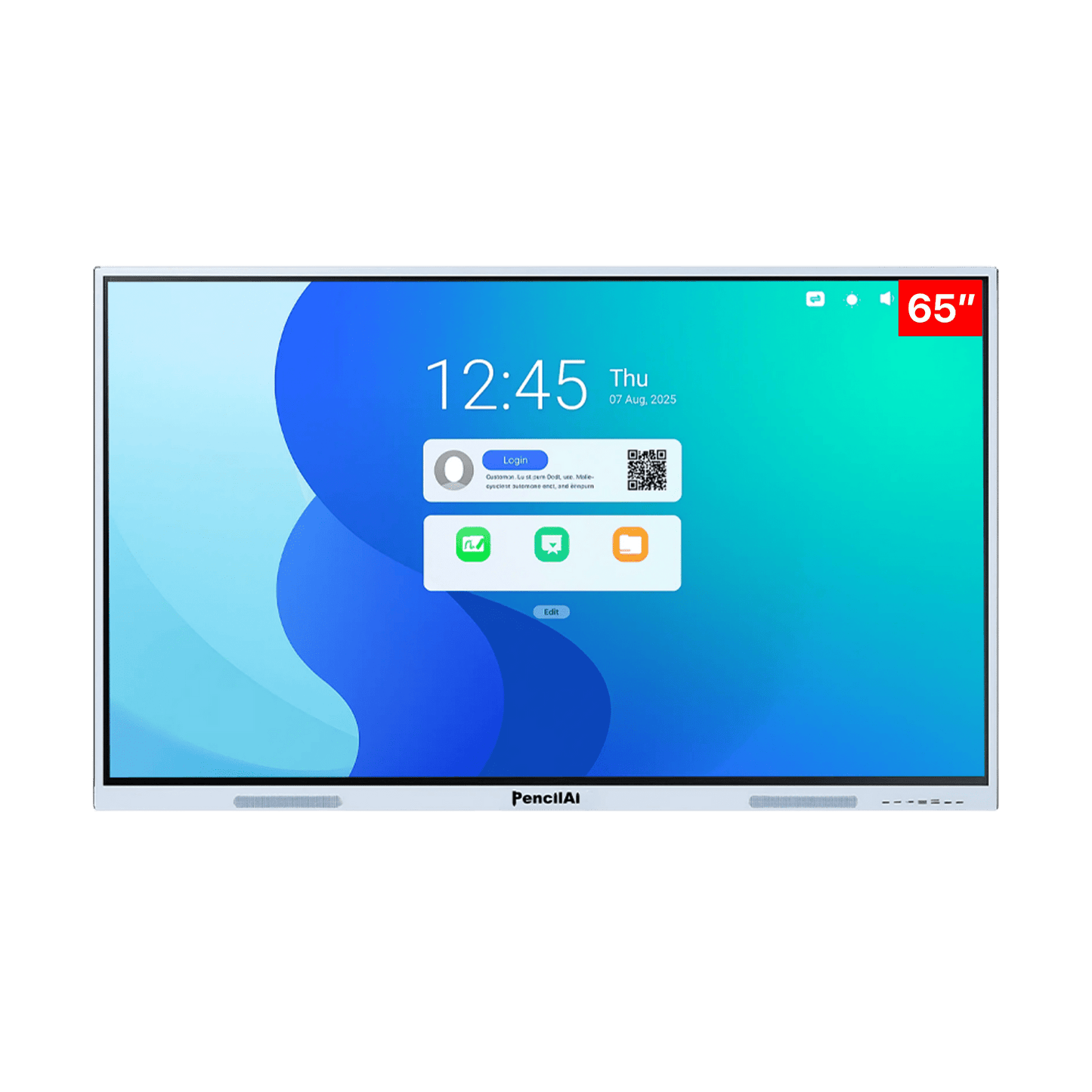
PencilAi Pro 65 Inch Android 16 Interactive Digital Board With Camera & Mic PencilAi Pro 65 Inch Android 16 Smart Interactive Flat Panel Digital Board - All in one, Ai, Multitouch Screen Display for Teaching, Classroom & Office Use
PencilAi Pro 65 Inch Android 16 Interactive Digital Board With Camera & Mic PencilAi Pro 65 Inch Android 16 Smart Interactive Flat Panel Digital Board - All in one, Ai, Multitouch Screen Display for Teaching, Classroom & Office Use
Couldn't load pickup availability
Why Buy From Creators Mind Shop
Why Buy From Creators Mind Shop
✔ PAN India Delivery
✔ Professional Installation Support
✔ GST Billing Available
✔ Bulk Orders & Institutional Pricing
✔ Smart Classroom Setup Experts
✔ Secure Payment Support
✔ Complete Digital Solution Provider
Perfect For
Perfect For
✔ Schools & Colleges
✔ Coaching Institutes
✔ Smart Classrooms
✔ Corporate Offices
✔ Seminar Halls
✔ Online Teaching Studios
✔ Professional Training Rooms
Installation & Support
Installation & Support
Creators Mind Shop Provides Product Guidance, Installation Support, Smart Classroom Consultation & Professional Digital Setup Assistance Across India.
PencilAi Pro 65 Inch A16 Interactive Digital Board With Camera & Mic
Professional solution from Creators Mind Shop for smart classrooms, coaching institutes, schools, colleges, offices and training environments.
PencilAi Pro 65 Inch Android 16 Smart Interactive Flat Panel Digital Board - All in one, 8 GB RAM 128 GB ROM, Ai, Multitouch Screen Display for Teaching, Classroom & Office Use
The 65 inch Android 16 interactive flat panel is ideal for classrooms with 30–40 students. It delivers clear visibility, smooth touch performance, and AI-powered tools that help teachers create engaging and effective lessons.
Advanced AI Tools in Pencil Ai Pro 65 Inch Android 16 Interactive Flat Panel for Classrooms – Smarter & Faster Teaching
The 65 inch Android 16 interactive flat panel combines powerful hardware with intelligent AI tools to support modern classroom teaching. Designed for classrooms with 30–40 students, it helps teachers deliver lessons faster, reduce preparation time, and improve student understanding through structured and interactive digital content.
AI Search
Find Teaching Content Instantly
Search any topic and instantly get explanations, questions, videos, and examples. This helps teachers save time, organize lessons better, and deliver clear, structured classroom teaching easily.
AI Image Search
Explain Diagrams Clearly
Select any diagram and instantly view clear explanations for each part. This helps teachers explain visual concepts easily and improves student understanding without switching between multiple tools.
Teaching Resource Assistant
Access Lesson Materials Fast
Get lesson plans, notes, and classroom activities in seconds. This helps teachers reduce preparation time, stay organized, and deliver lessons with better clarity and improved teaching efficiency.
Question Paper Generator
Create Exams Quickly
Generate question papers with answer keys in just a few seconds. This helps teachers save time, customize exams easily, and manage classroom assessments more efficiently and accurately.
Smart Write Tool
Convert Writing to Text
Write naturally on the screen and convert it into clean digital text instantly. This helps teachers maintain clarity, improve readability, and present content neatly during classroom teaching sessions.
3D Simulations
Visual Learning Experience
Use interactive 3D models to explain concepts more clearly. This helps students understand complex topics easily, stay engaged during lessons, and improves overall classroom learning experience.
Advanced Features of PencilAi Pro 65 Inch Android 16 Interactive Flat Panel for Classrooms – Smarter Digital Teaching Experience
The 65 inch Android 16 interactive flat panel is built for classrooms with 30–40 students. It combines powerful hardware, smart software, and interactive tools to improve teaching clarity, student engagement, and overall classroom efficiency.
Ultra Clear 4K Resolution
The 65 inch display delivers sharp visuals and clear text across the classroom. Students can easily view diagrams, videos, and content from any distance without losing clarity.
Annotate On Screen
Teachers can write, highlight, and explain directly on any content. This helps deliver structured lessons clearly and keeps students focused during interactive classroom sessions.
Multi-Touch Capability
Multiple users can interact on the screen at the same time. This supports group learning and improves classroom collaboration during activities and discussions.
Lag-Free & Smooth Writing
Experience fast and accurate writing without delay. Teachers can draw, annotate, and explain concepts smoothly for better classroom flow and engagement.
Split Screen Multitasking
Use multiple apps on one screen for better lesson delivery. Teachers can compare content, show videos, and explain concepts without switching between screens.
Interactive Whiteboard
Create structured lessons using shapes, notes, and drawing tools. This helps explain concepts visually and improves understanding during classroom teaching sessions.
Switch To Windows With OPS
Switch between Android and Windows easily using OPS support. This gives flexibility to run different applications for a better classroom teaching experience.
Teach Through Documents
Open and annotate documents during lessons easily. Teachers can highlight key points and share content with students for better understanding and revision.
Teach Through PPT
Import presentations and explain slides in real time. Teachers can highlight key points and deliver structured lessons for better classroom engagement.
Wireless Screen Sharing
Share screens from devices wirelessly to the panel. This supports easy presentations and improves classroom collaboration without using complex cables.
Native Lesson Recording
Record classroom sessions with audio and screen activity. Teachers can share lessons with students to support revision and continuous learning easily.
Long-Lasting Performance
Built for daily classroom use with durable performance. The panel delivers reliable results over time, making it suitable for continuous teaching environments.
| Feature | 65-inch Model Specification |
|---|---|
| Display Size | 65 Inch — ideal for mid-to-large smart classrooms, training centres and collaborative workspaces |
| Resolution | 4K Ultra HD (3840 × 2160) — crystal-clear visuals visible from every seat in the classroom |
| Touch Points | 40-point infrared multi-touch — supports simultaneous multi-user interaction for collaborative classroom learning |
| Processor | Octa-Core RK3576 Chipset — powerful enough for AI tools, 3D simulations, and multi-tasking without lag |
| RAM | 8 GB DDR5 RAM — high-speed memory for smooth performance of all AI-powered teaching applications |
| Storage | 128 GB eMMC Internal Storage — ample space for K–12 content, lesson recordings, and educational apps |
| Operating System | Android 16 — latest OS delivering next-gen performance, security, and full smart classroom compatibility |
| Integrated AI | Built-in AI tools: AI Search, AI Image Search, Question Paper Generator, Smart Write Tool & Teaching Resource Assistant |
| K–12 Digital Content | Pre-integrated world-class K–12 content — 50,000+ videos, 1,00,000+ questions, NCERT solutions, 3,000+ publishers mapped |
| Wireless Connectivity | Dual-Band Wi-Fi (2.4GHz / 5GHz) + Bluetooth — seamless wireless screen sharing and device connectivity |
| Ports & Connectivity | HDMI In / HDMI Out, USB 2.0, USB 3.0, USB-C, VGA, Display Port, Audio In/Out, RJ45 LAN |
| Audio | Dual Built-in Speakers — 15W + 2W for clear, room-filling sound without external audio equipment |
| Camera (Optional) | 48MP Ultra-HD Camera with Built-in Microphone — ideal for hybrid classrooms and live online teaching sessions |
| Brightness | 400 nits — vibrant, glare-resistant display visible even in brightly lit classroom environments |
| Anti-Glare Glass | Tempered Anti-Glare Glass — reduces reflections to protect students' eyes during extended learning sessions |
| Writing Latency | < 8ms touch response — near-zero lag for smooth, natural handwriting and on-screen annotation |
| OPS Slot | Supports OPS Module (Open Pluggable Specification) — optional Windows PC integration for dual-OS flexibility |
| Warranty | 3-Year On-Site Comprehensive Warranty with 40+ service offices across India |
| Panel Lifespan | 50,000+ hours estimated screen life — built for continuous daily classroom use, year after year |
| Mounting | VESA Wall Mount Compatible — also supports mobile floor stand; easy installation in any classroom layout |
Essential Accessories for a Complete Smart Classroom Setup
Enhance your teaching experience with thoughtfully designed accessories that complement your PencilAi Interactive Flat Panel. From precision stylus pens and wireless keyboards to wall mounts, mobile stands, and high-quality audio solutions, every accessory is built to improve convenience, flexibility, and classroom efficiency.
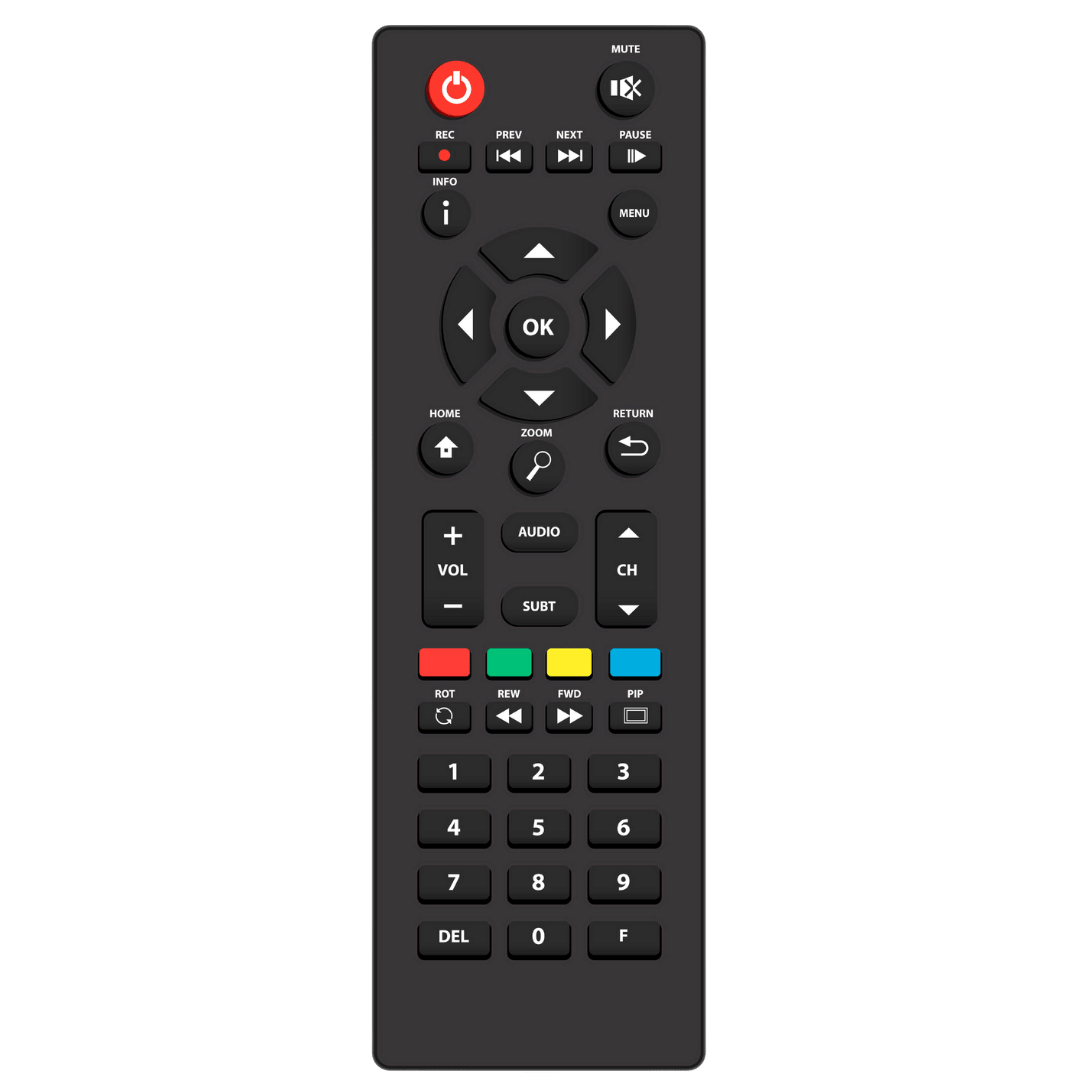
Remote
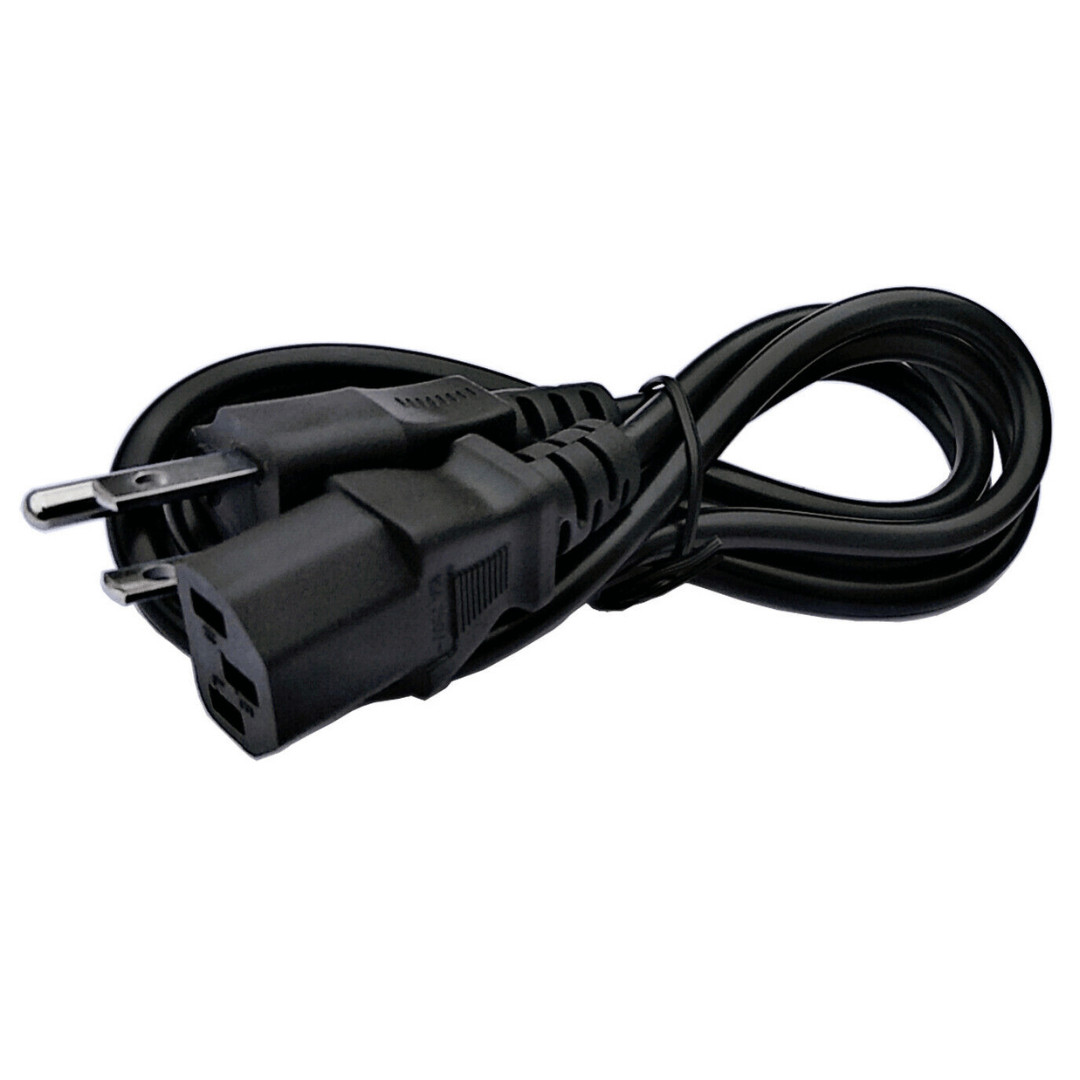
Power Cable
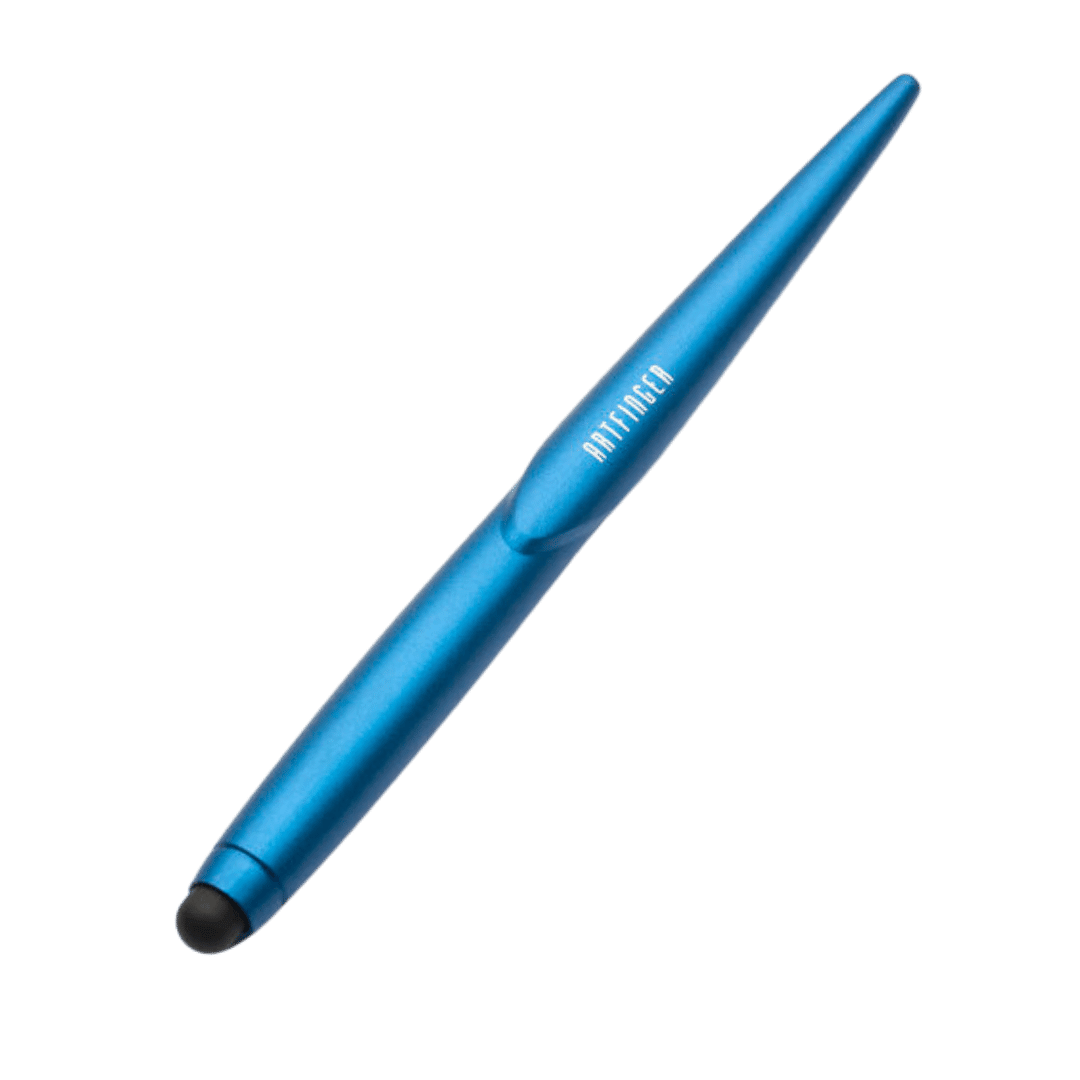
Stylus Pen
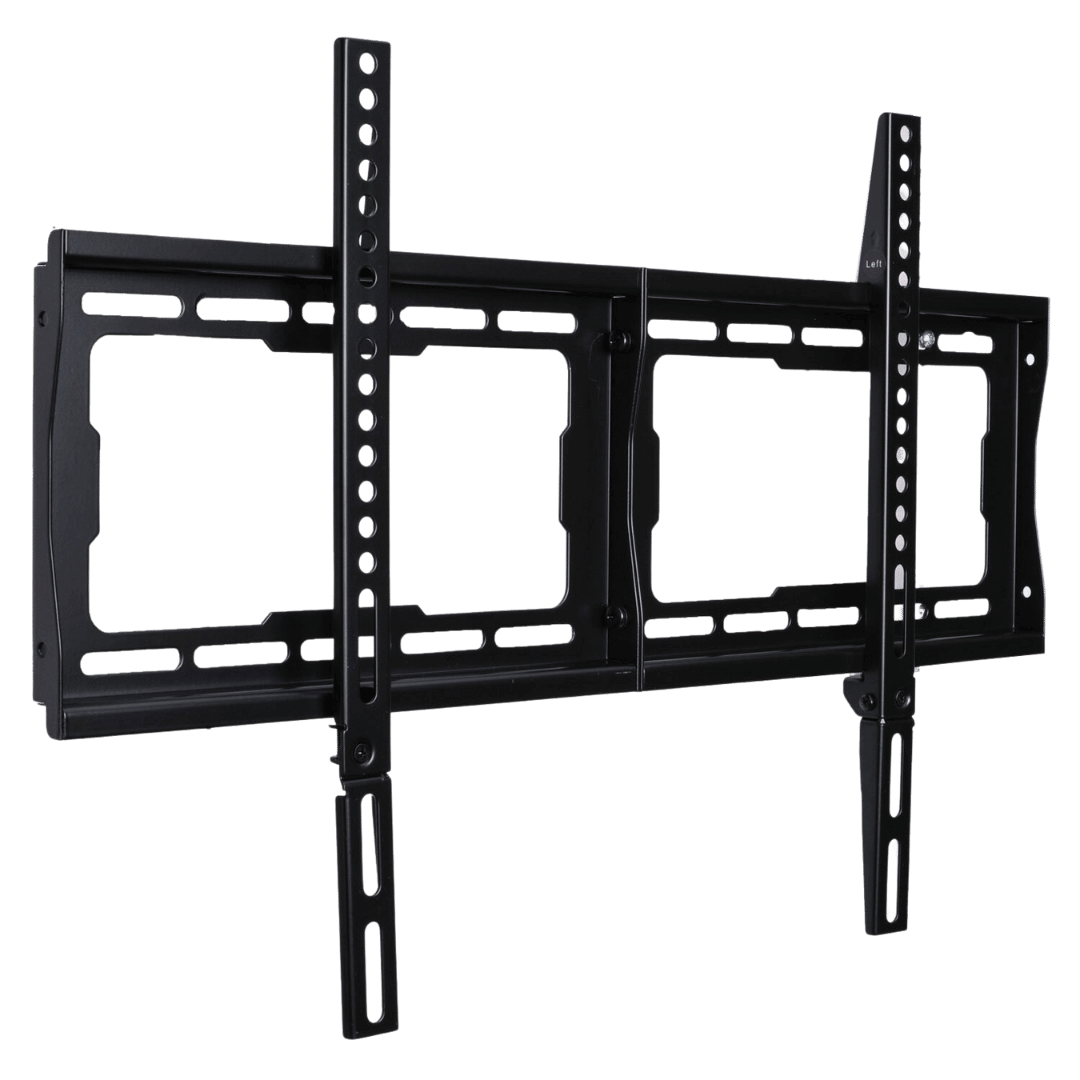
Wall Bracket
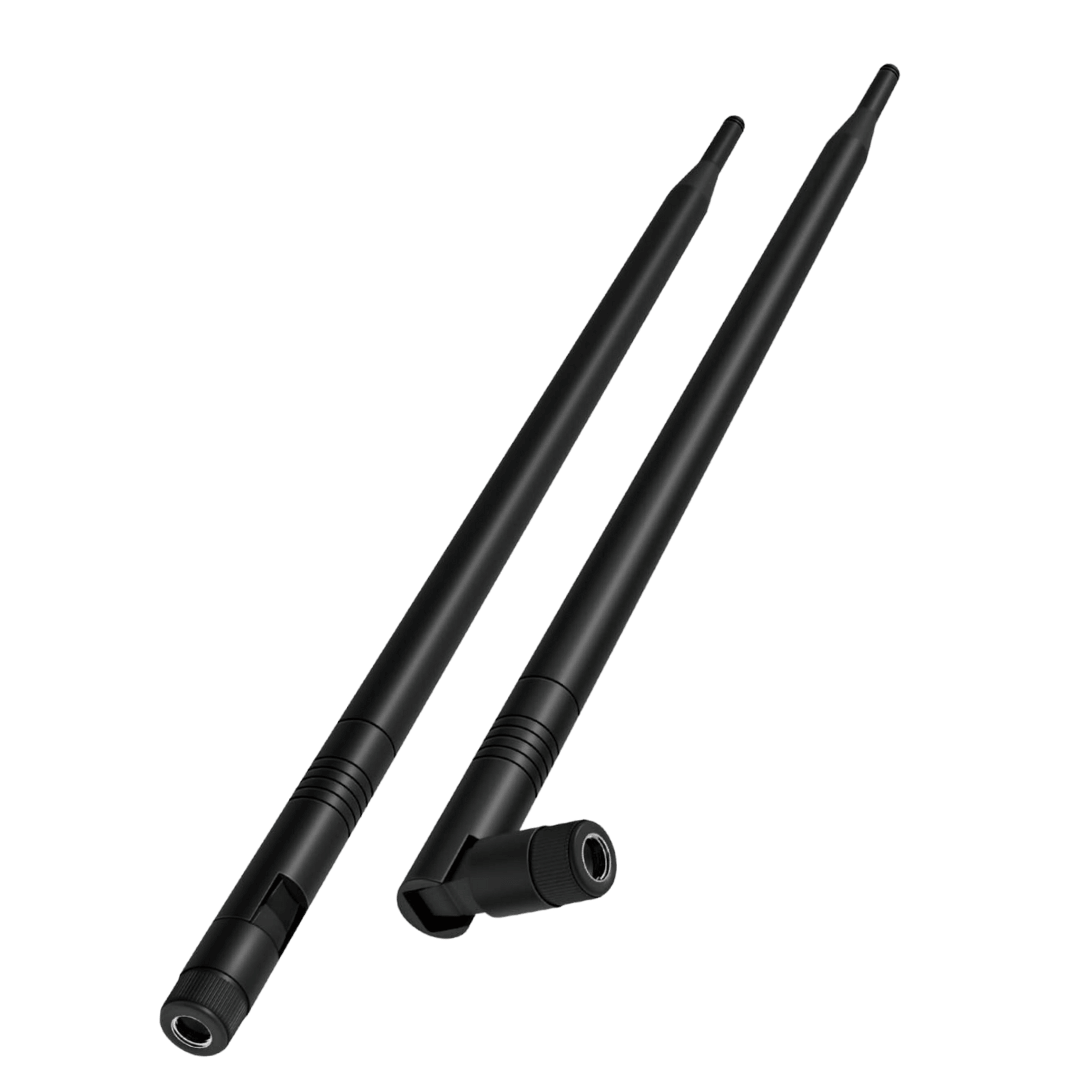
Wi-Fi Antenna